


Cargogen
For freight forwarders and customs brokers

Manage your shipments, BLs and invoices in one place.

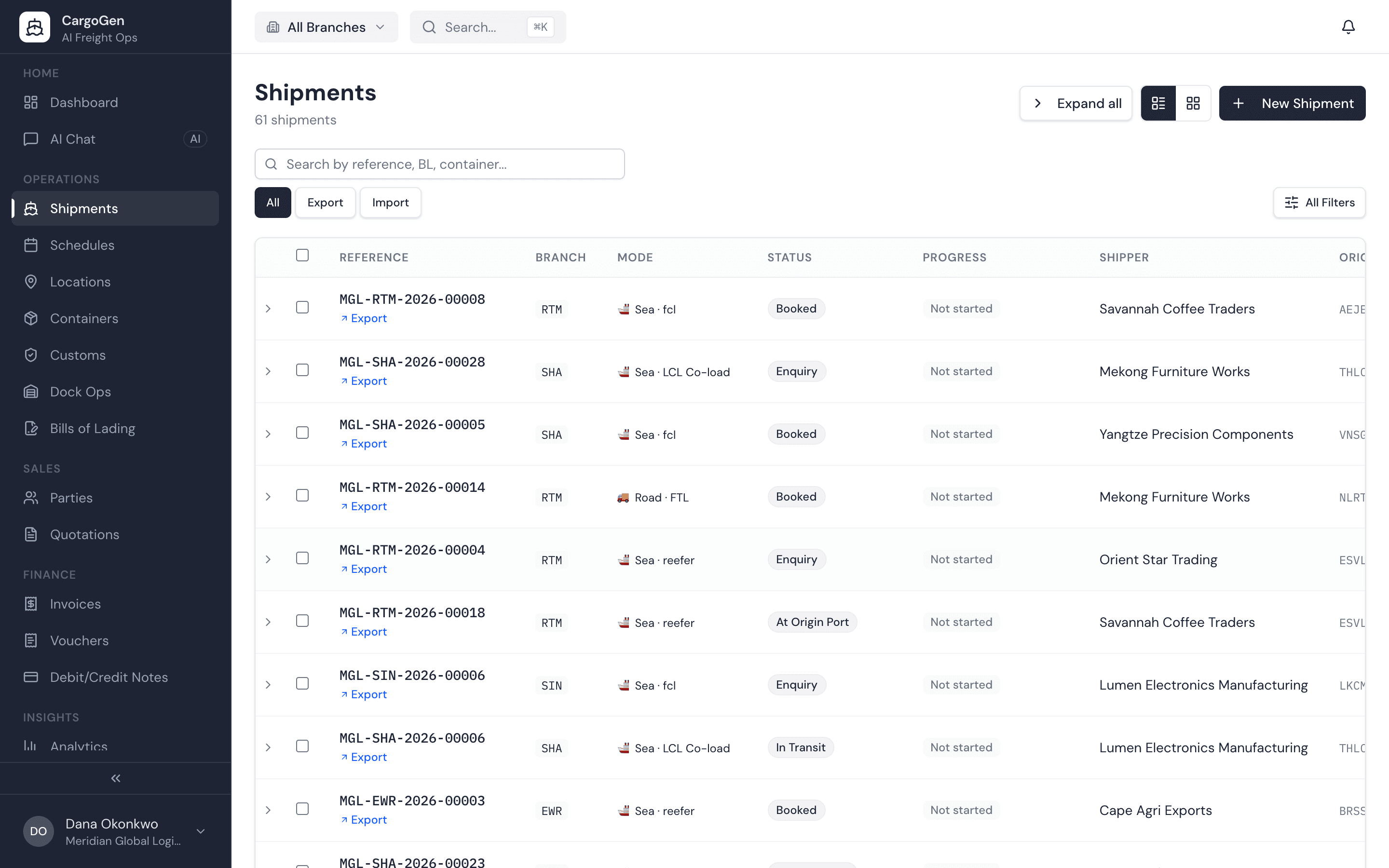
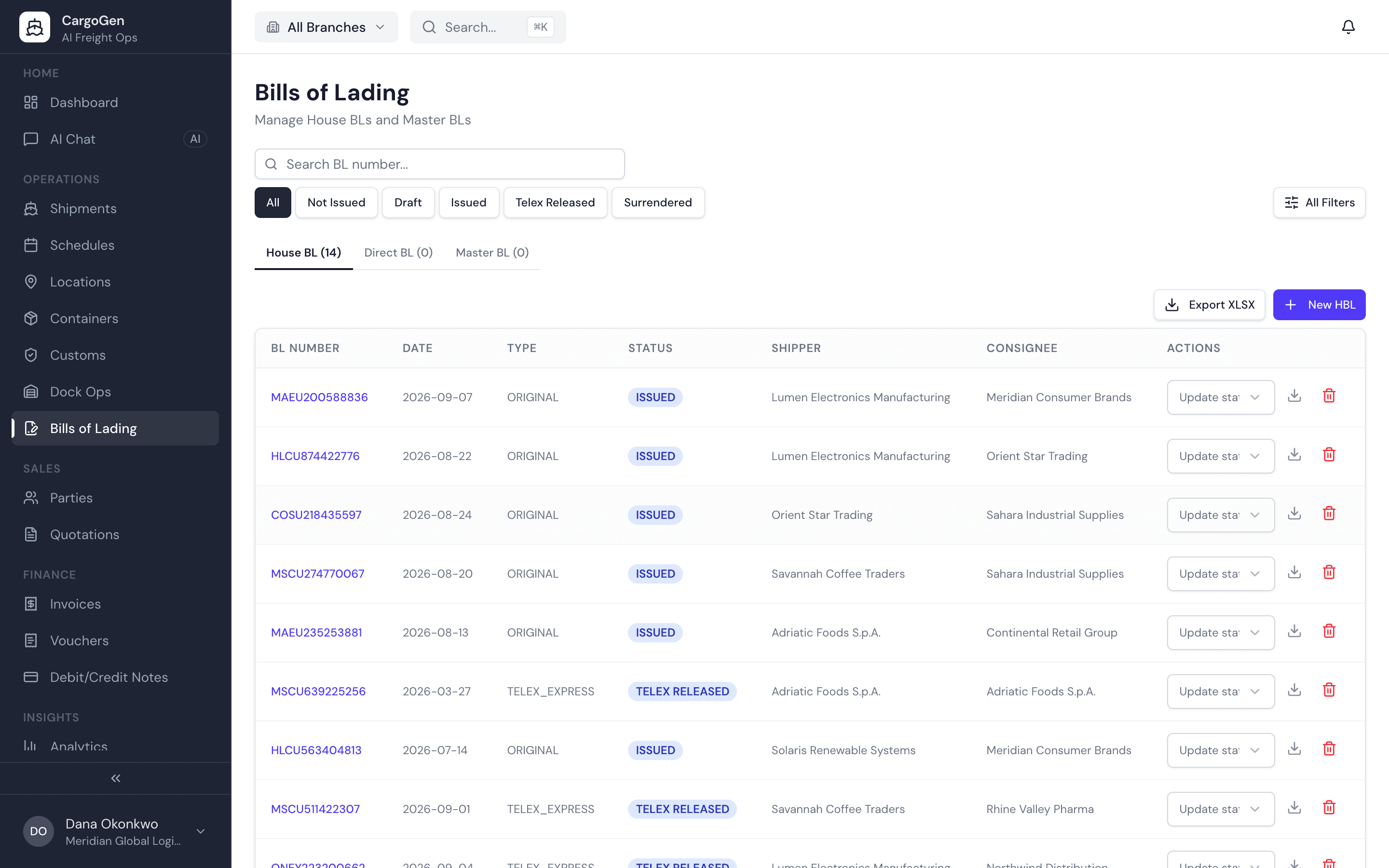
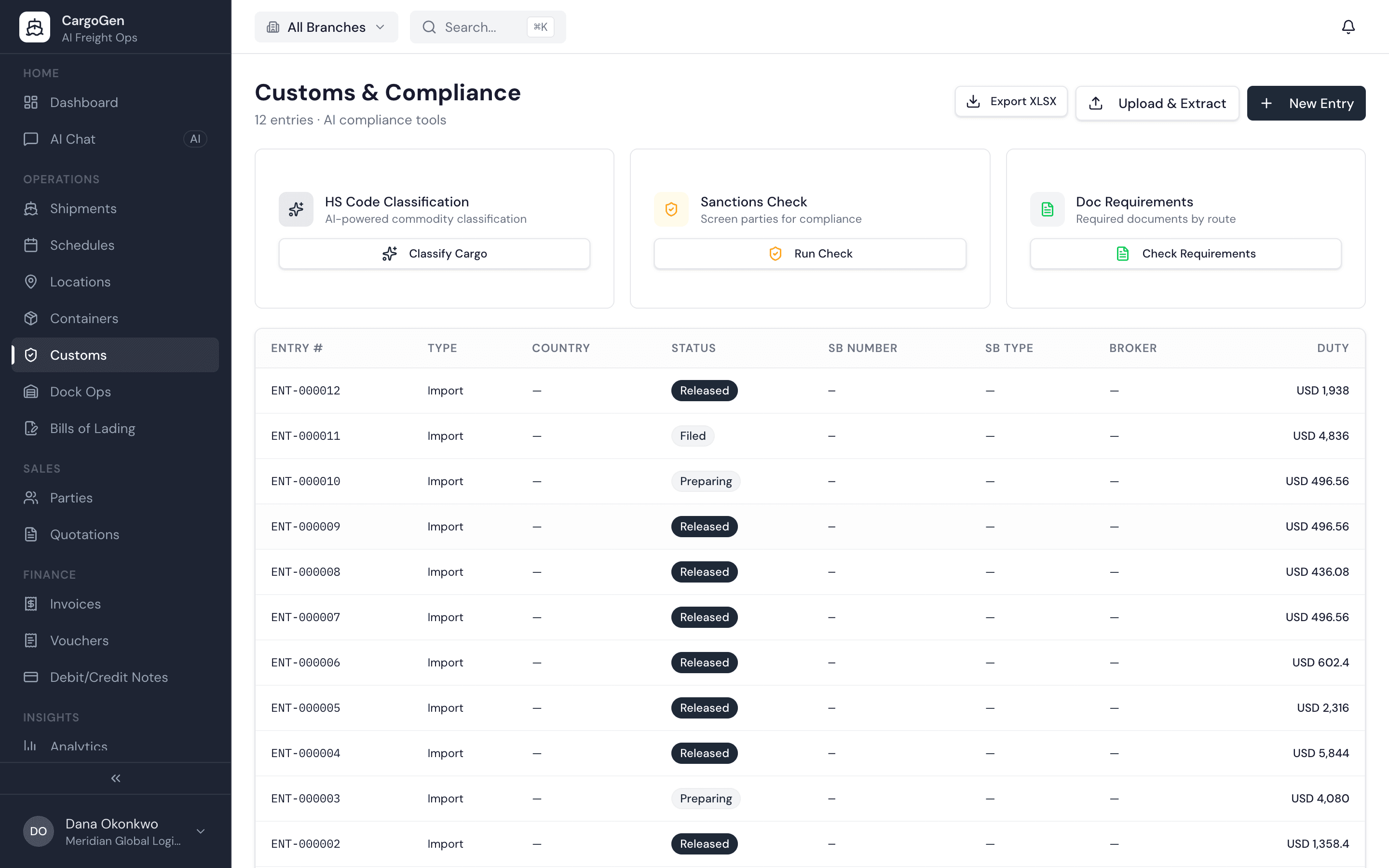
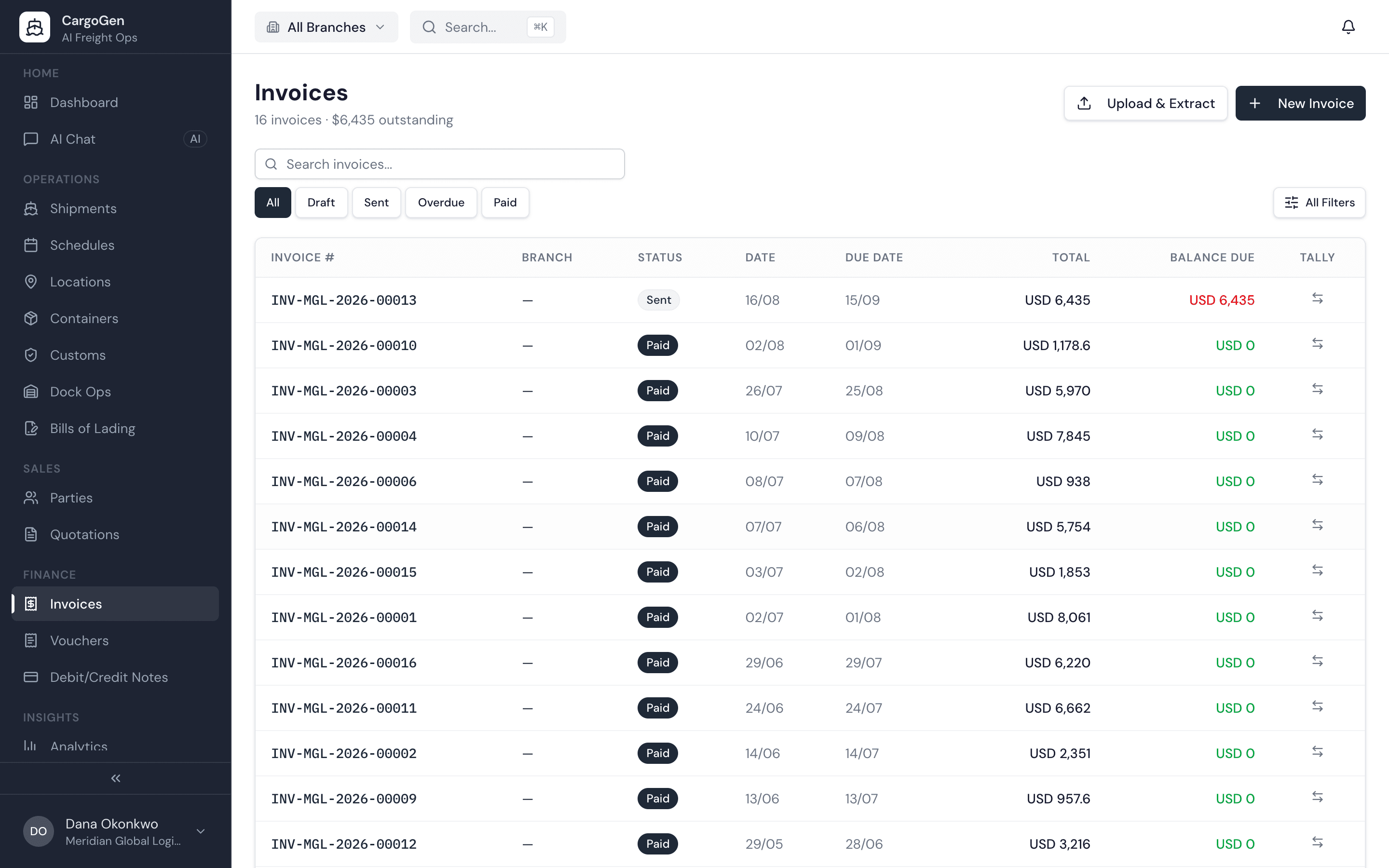
You create a job once. Upload the commercial invoice and CargoGen fills in the shipper, consignee, cargo lines, weights and values for your team to check. Then you print the HBL and manifest and raise the invoice from that same job.

✓Unlimited users✓Sea, air, road and rail
Container ship at sea, seen from above
Vessel position from AISHBL ready to print
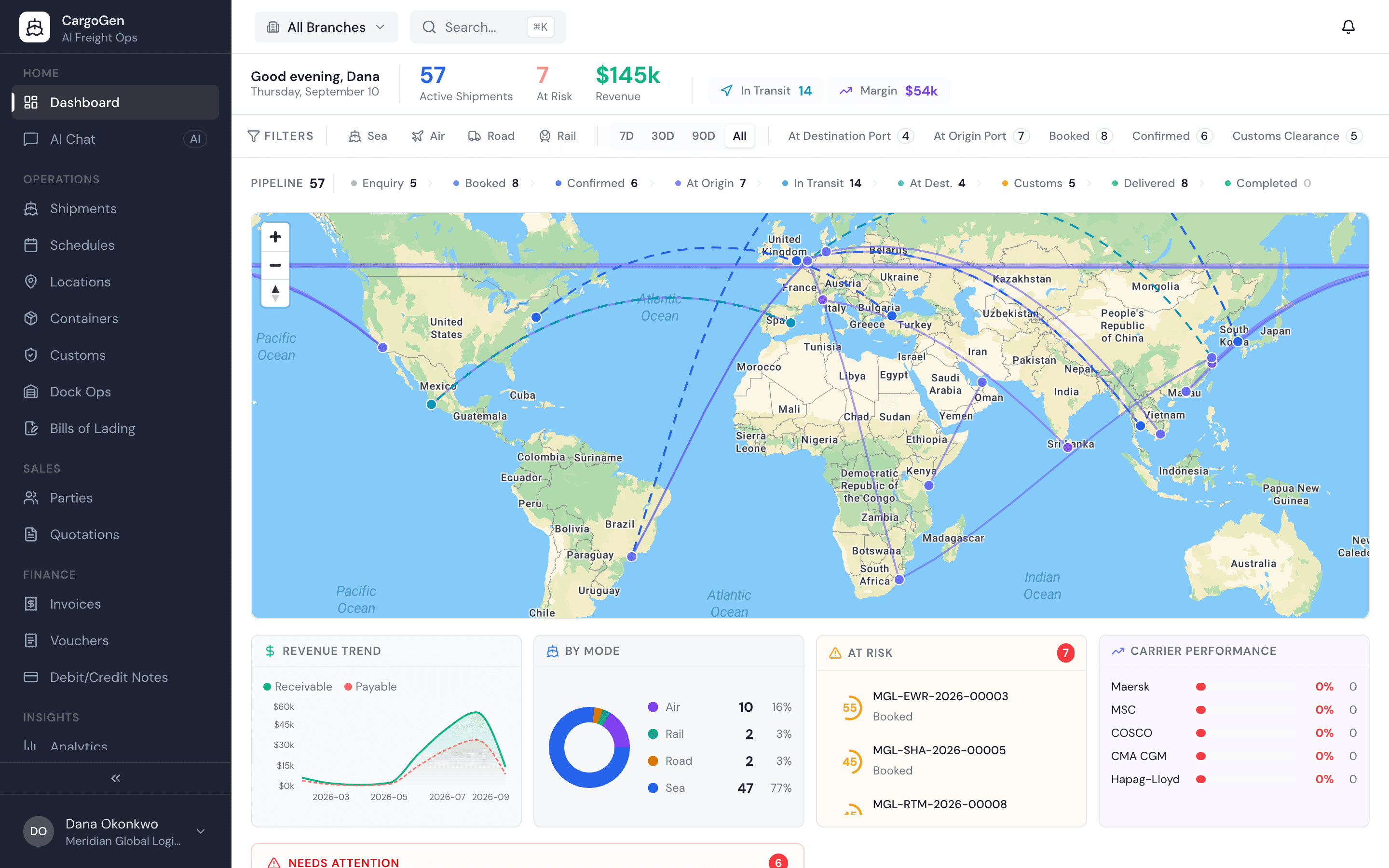
app.cargogen.com/dashboard
CargoGen operations dashboard with live world map, pipeline and at-risk shipments
Built with freight forwarders · used in their daily operationsFCL and LCL, export and import, in any currency
Container cranes at a port terminal
SEA
FCL, LCL, Ro-Ro, breakbulk
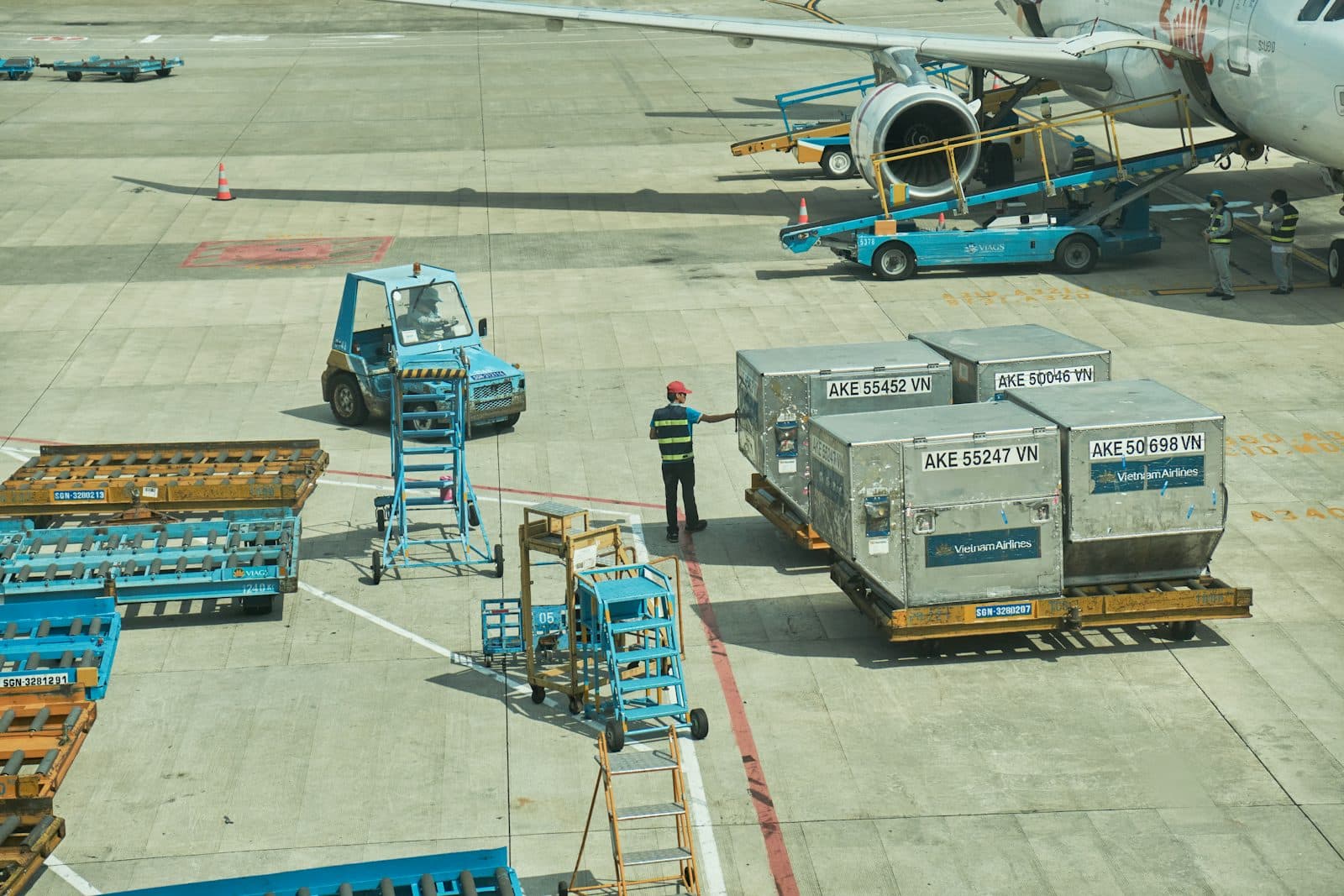
Air cargo containers on an airport apron
AIR
General cargo, express, charter
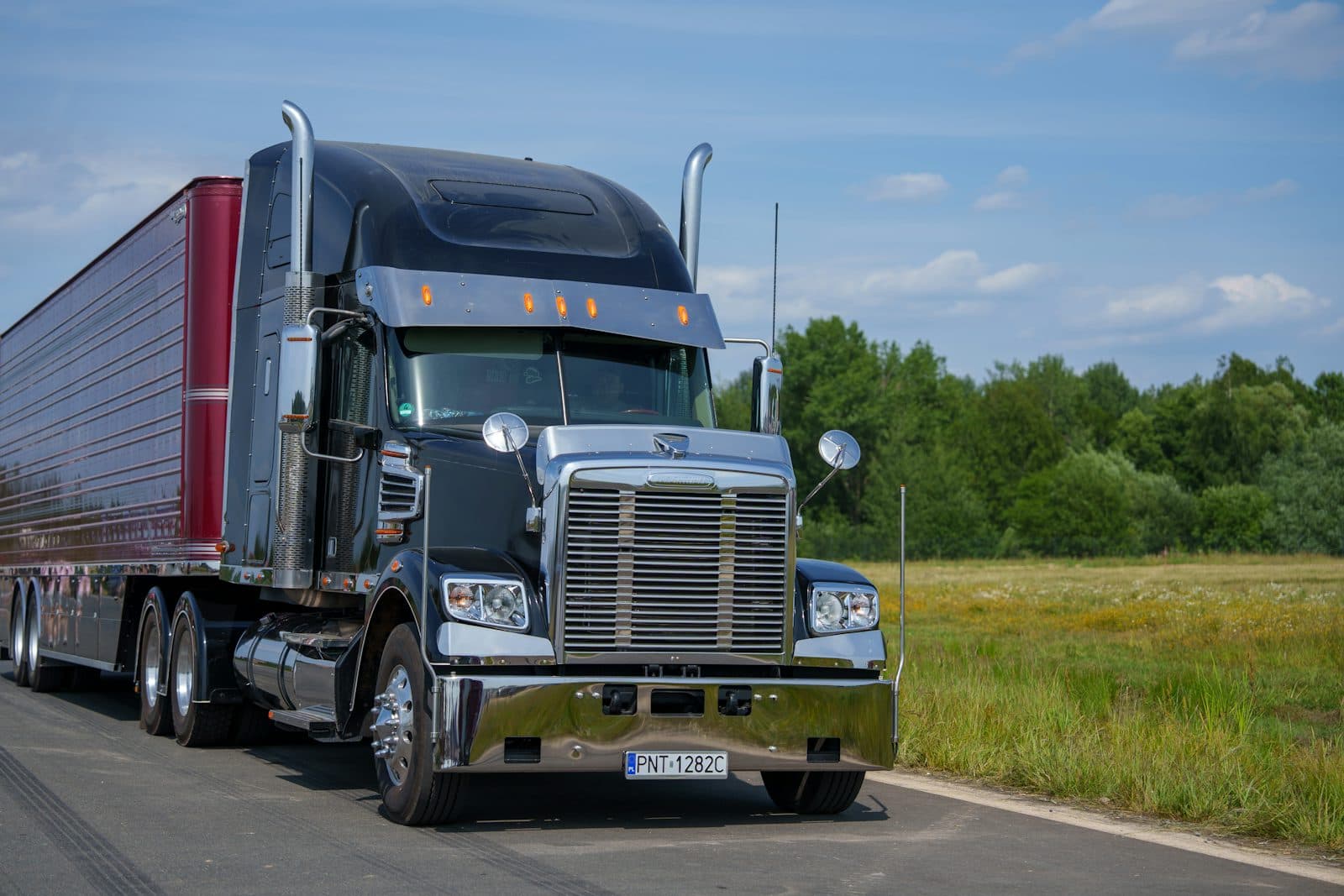
Truck on a road
ROAD
FTL or LTL
Freight rail yard from above
RAIL
Containerised or loose
Before CargoGen

The same shipment gets typed in four times.

A booking comes in on email or WhatsApp. Someone types it into Excel, then into the BL format, then into the invoice, then into the accounts system. Each copy can end up with a different weight or a different spelling of the consignee, and someone has to catch it before it goes out.

In CargoGen the job is entered once, mostly by the AI reading the commercial invoice. The BL, manifest and invoice are all printed from that job, so the details match.

Job · UploadJOB/2026/00412
Documents in
Meridian Textiles · export job
2 PDFs uploaded by operations
Commercial invoice CI-2026-0412
PDF · 3 pages · read
Commercial invoice CI-2026-0413
PDF · 1 page · read
4 pages read
Shipment recordJOB/2026/00412
MODEOcean · FCL · 2×40HCLANEINNSA → NLRTMSHIPPERMeridian Textiles Pvt LtdCONSIGNEENordhaven Imports BVINCOTERMFOBHS6302.60 · 6302.91GROSS18,240 kg · 1,240 ctnVALUEUSD 84,300.00
HBL DRAFTEDMANIFESTINVOICE · REVIEW
How it works

How a job moves through CargoGen

Your team checks what the AI filled in instead of typing it from scratch. If it misreads something, they fix it before anything is printed.

STEP 1

Upload the documents

Drop the commercial invoice or vendor bill into the job as a PDF or photo.

STEP 2

The AI fills in the job

Shipper, consignee, ports, cargo lines, weights and values.

STEP 3

Your team checks it

An operator corrects anything that is wrong and approves it. Every other screen in CargoGen then uses these details.

A person signs off here
STEP 4

Print and bill

HBL, manifest, arrival notice and delivery order are printed from the job, the invoice is raised against it, and you can email the customer from CargoGen.

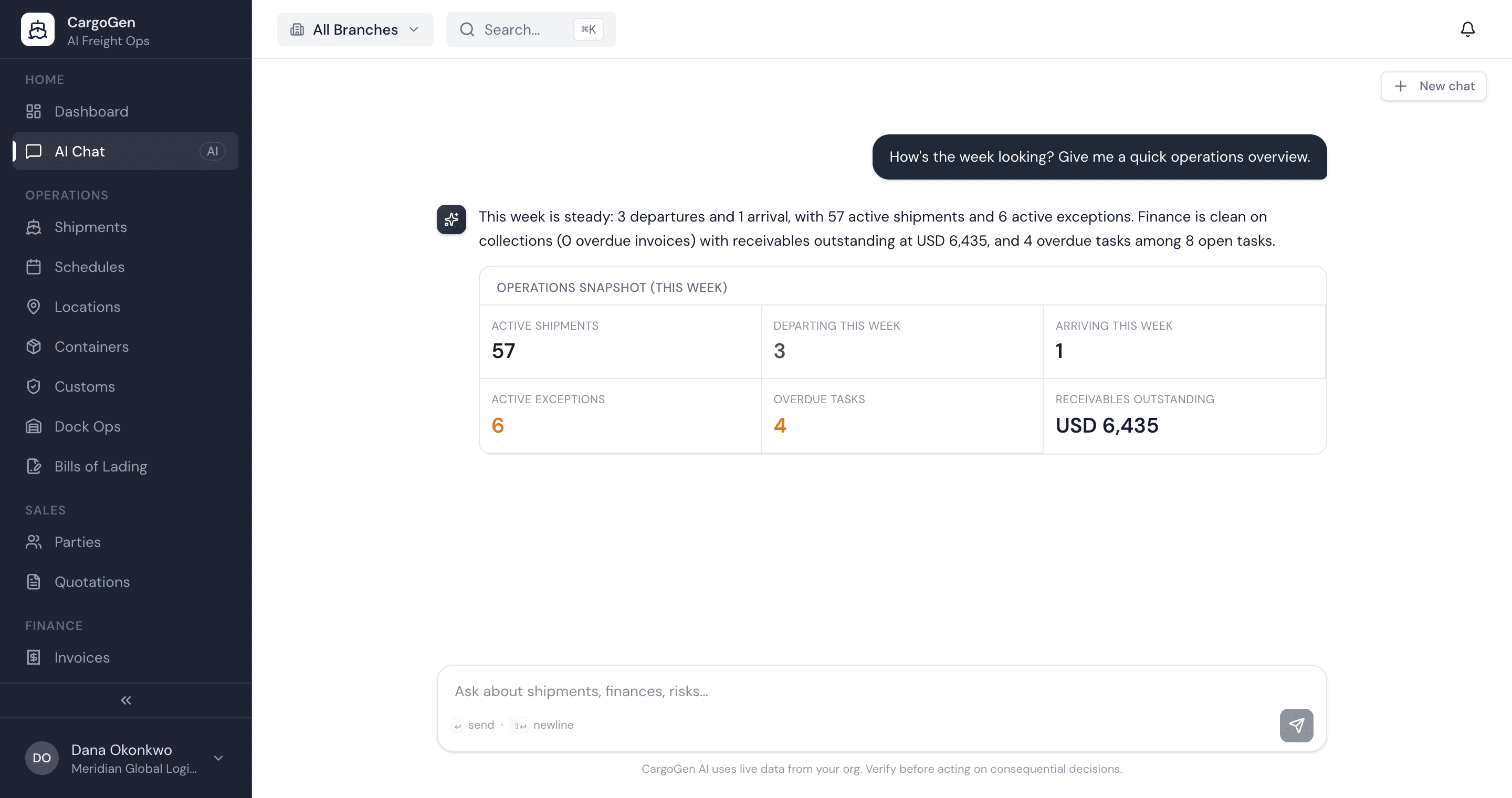
app.cargogen.com/chat
CargoGen assistant answering an operations question with live figures
AI assistant

Ask questions about your jobs in plain English.

Type a question and get the answer as a number, a table or a chart, worked out from your own jobs and invoices. It only reads your data. It does not change jobs or send anything on its own.

› How many jobs are in transit right now?
› Which invoices are overdue?
› Who are our top customers by revenue?
Only sees your own company's data
Security

How we handle your data

DATA

Your data is kept separate

Each company's data is walled off from every other customer. You can also limit staff to their own branch.

FILES

Documents stored encrypted

Uploaded files are kept encrypted in the cloud. Emails can go out through your own mail server.

AI

AI usage at a glance

Settings shows how much AI you've used and how much is left this period.

VESSELS

Vessel positions from AIS

Positions come from the AIS signals ships broadcast. CargoGen does not connect to carrier systems.

See it work on one of your own shipments.

Book a demo and bring a commercial invoice from a real job. We'll show you the job, BL and invoice CargoGen makes from it.